Exam Simulator & Practice Software

Practice Smarter. Prepare with Confidence.

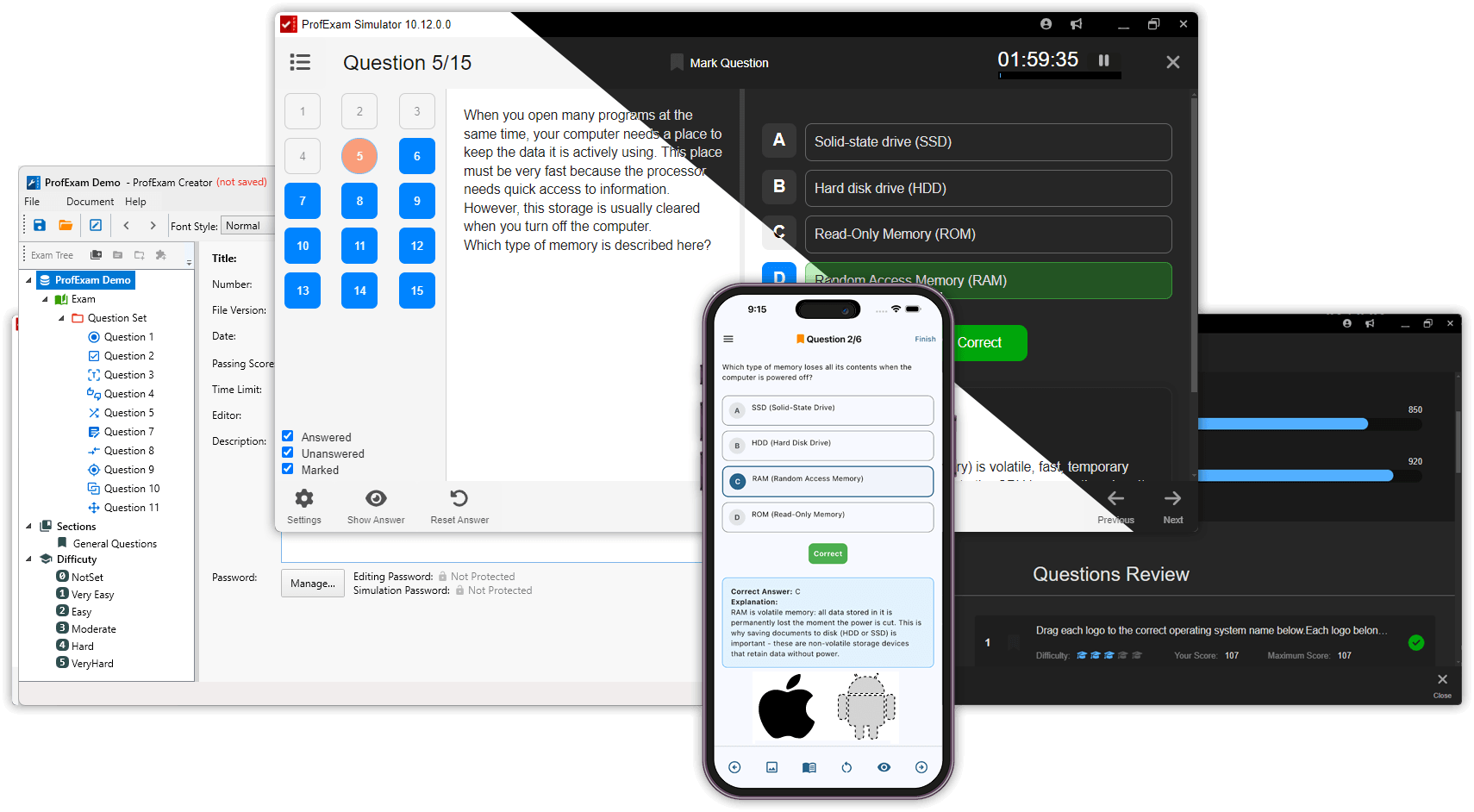
ProfExam Simulator turns practice tests into realistic, focused exam sessions. Study questions at your own pace, simulate real exam conditions, review your results, and retake the questions that need more attention.

ProfExam Simulator showing certification exam questions, testing interface, and detailed score results

Choose How You Want to Learn

Different stages of preparation need different approaches. ProfExam Simulator provides three session modes so you can move naturally from learning the material to practicing under realistic exam conditions.

Training Mode

Learn as you go with immediate feedback and explanations. Training Mode is ideal when you are working through unfamiliar material or reviewing difficult topics.

Practice Mode

Work through questions in a structured practice session while keeping more control over the experience. Use it to reinforce knowledge and prepare for full exam simulation.

Virtual Exam Mode

Simulate real exam conditions with a more focused testing experience. Use Virtual Exam Mode when you want to evaluate your readiness before taking the actual exam.

Everything in One Place

See Your Progress on Every Exam

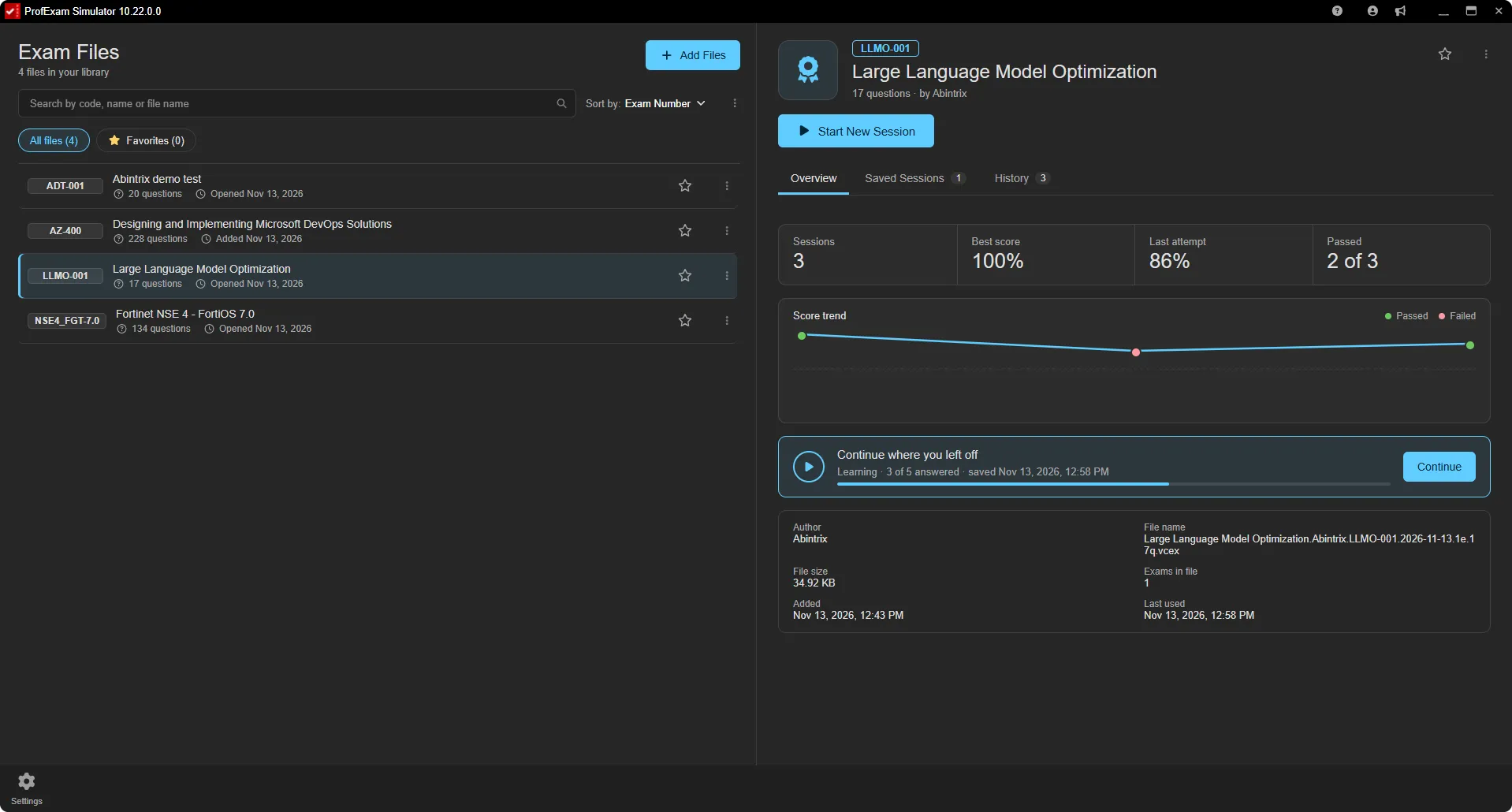
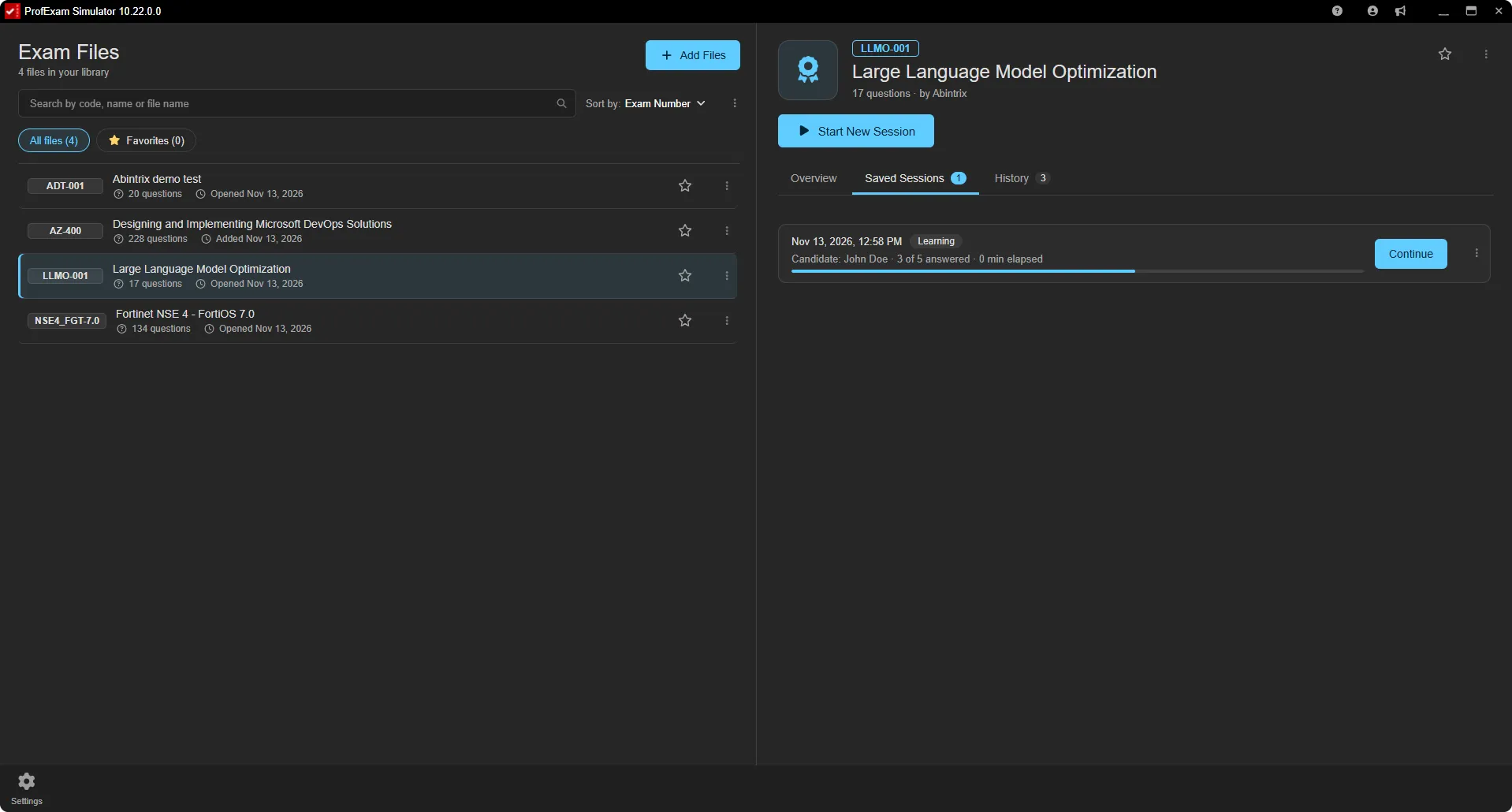
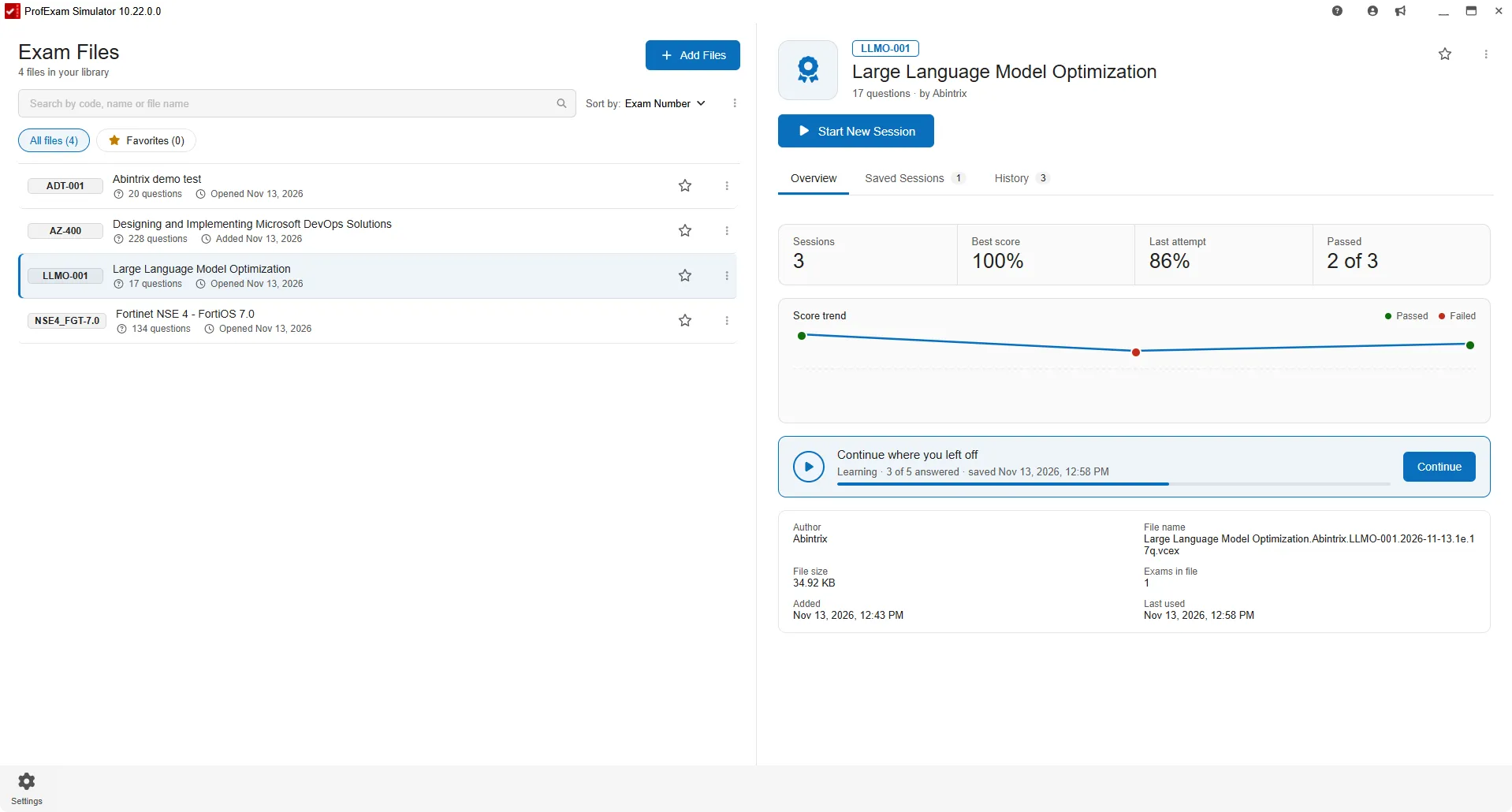
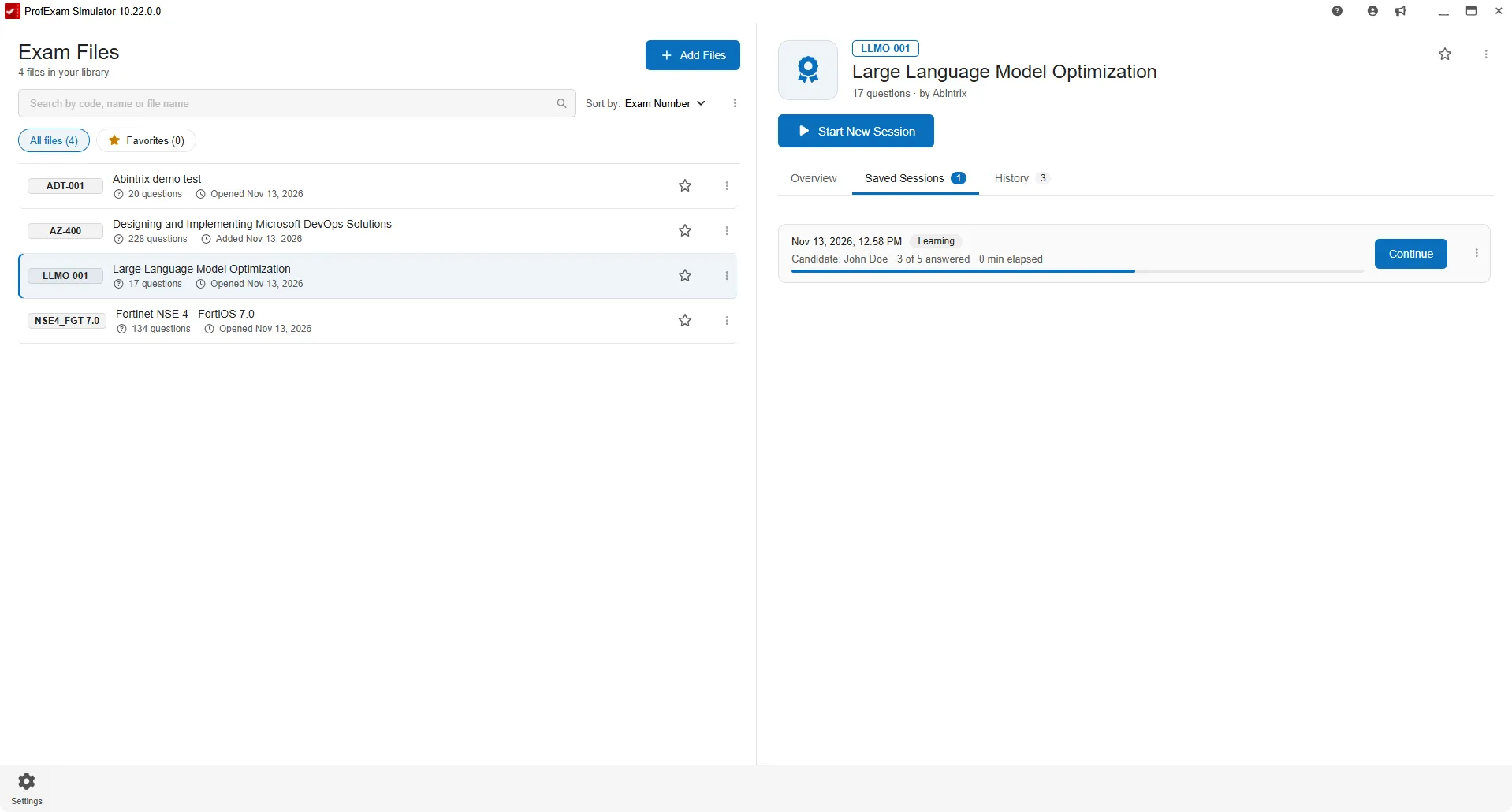
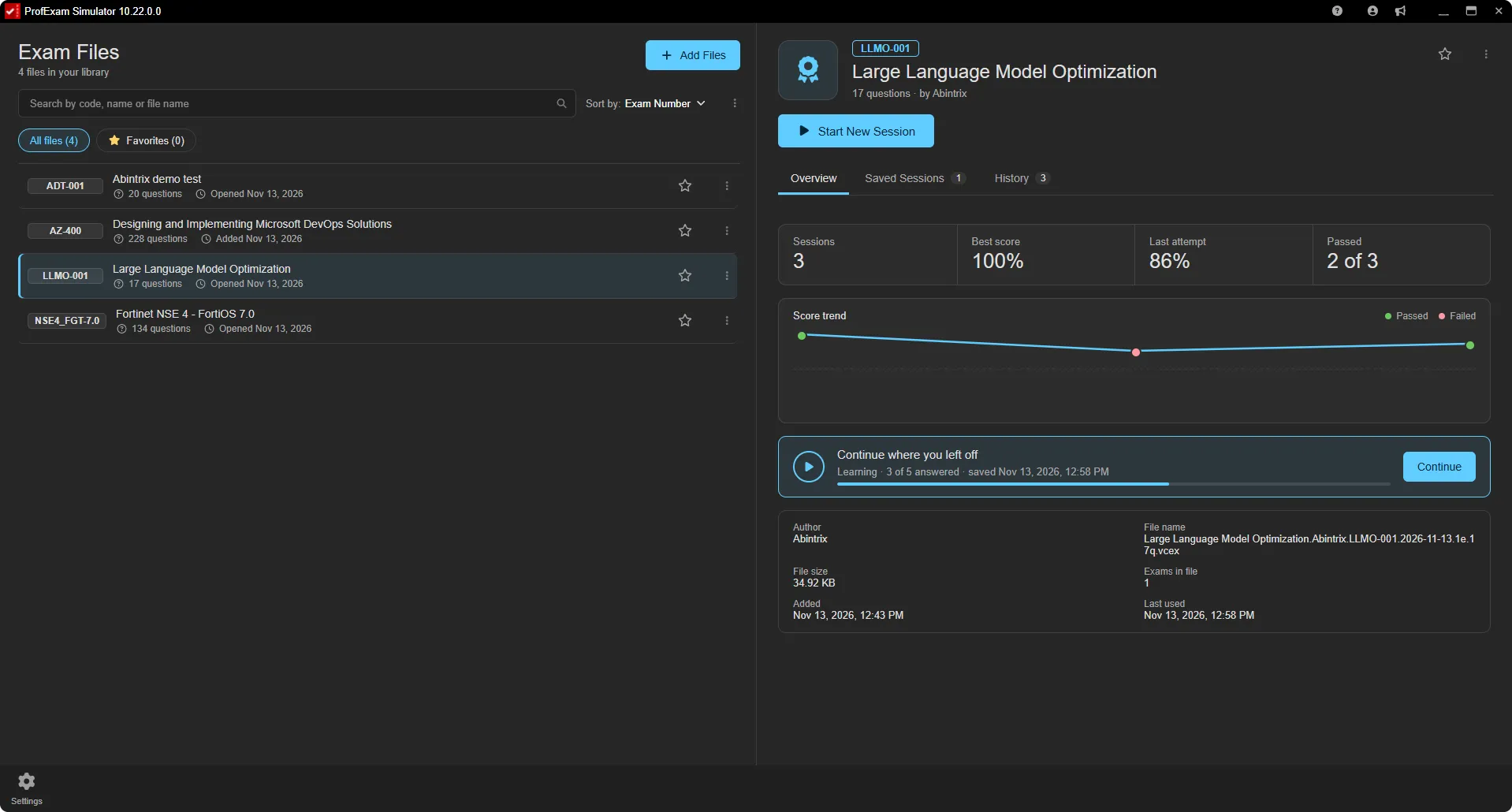
The exam library keeps all your exam files in one list. Select an exam and its card shows how your preparation is going: your statistics, a chart of your attempts, saved sessions and the full history.

  • Sessions, best score, last attempt and pass rate
  • Score trend chart across all attempts
  • Continue a saved session in one click
  • Search, sort and mark exams as favorites
  • Drag several exam files onto the library at once
ProfExam Simulator exam library with the selected exam's card: sessions, best score, score trend chart and Continue button
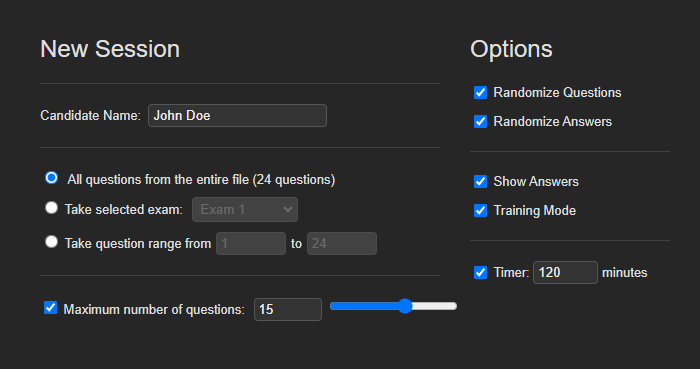
ProfExam Simulator New Session window: question scope, maximum number of questions, randomization, training mode and timer options
Your Session, Your Rules

Build a Practice Session Around Your Goals

Configure each session before you begin. Select the questions you want to practice, adjust session options, and focus your preparation on the material that matters most.

  • Choose the number of questions
  • Select available exam sections
  • Configure session mode
  • Adjust timing and session options
  • Create focused practice sessions
More Than Multiple Choice

Practice with Interactive Question Types

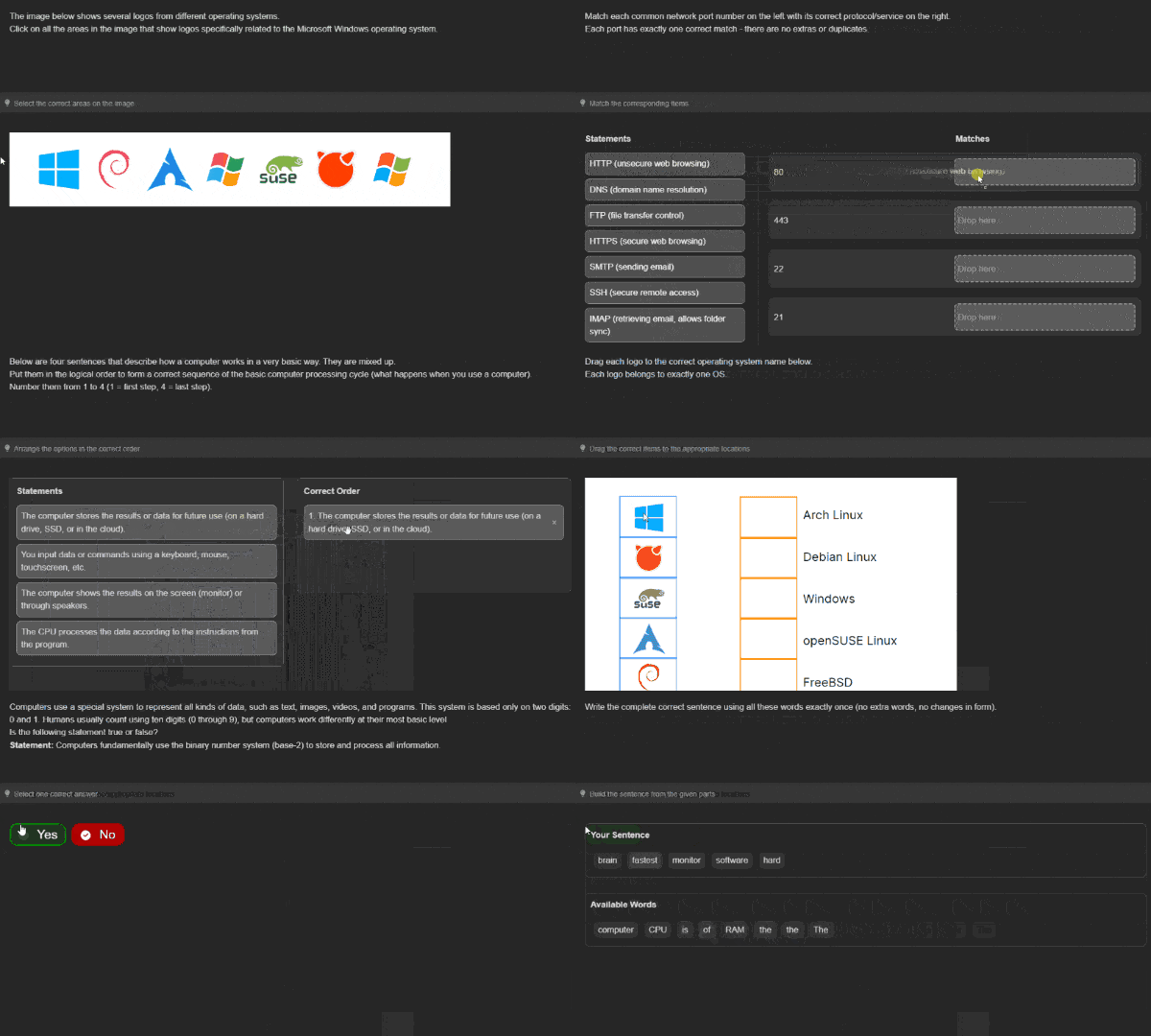
ProfExam Simulator supports a wide range of question formats used in professional and certification exams. Work with text, visual, ordering, matching, and interactive questions in the same testing environment.

Supported question types
Single Answer · Multiple Answer · Fill Blank · Hot Point · Hot Area · Drag & Drop · Yes/No · Match Following · Reorder Statements · Sentence Ordering

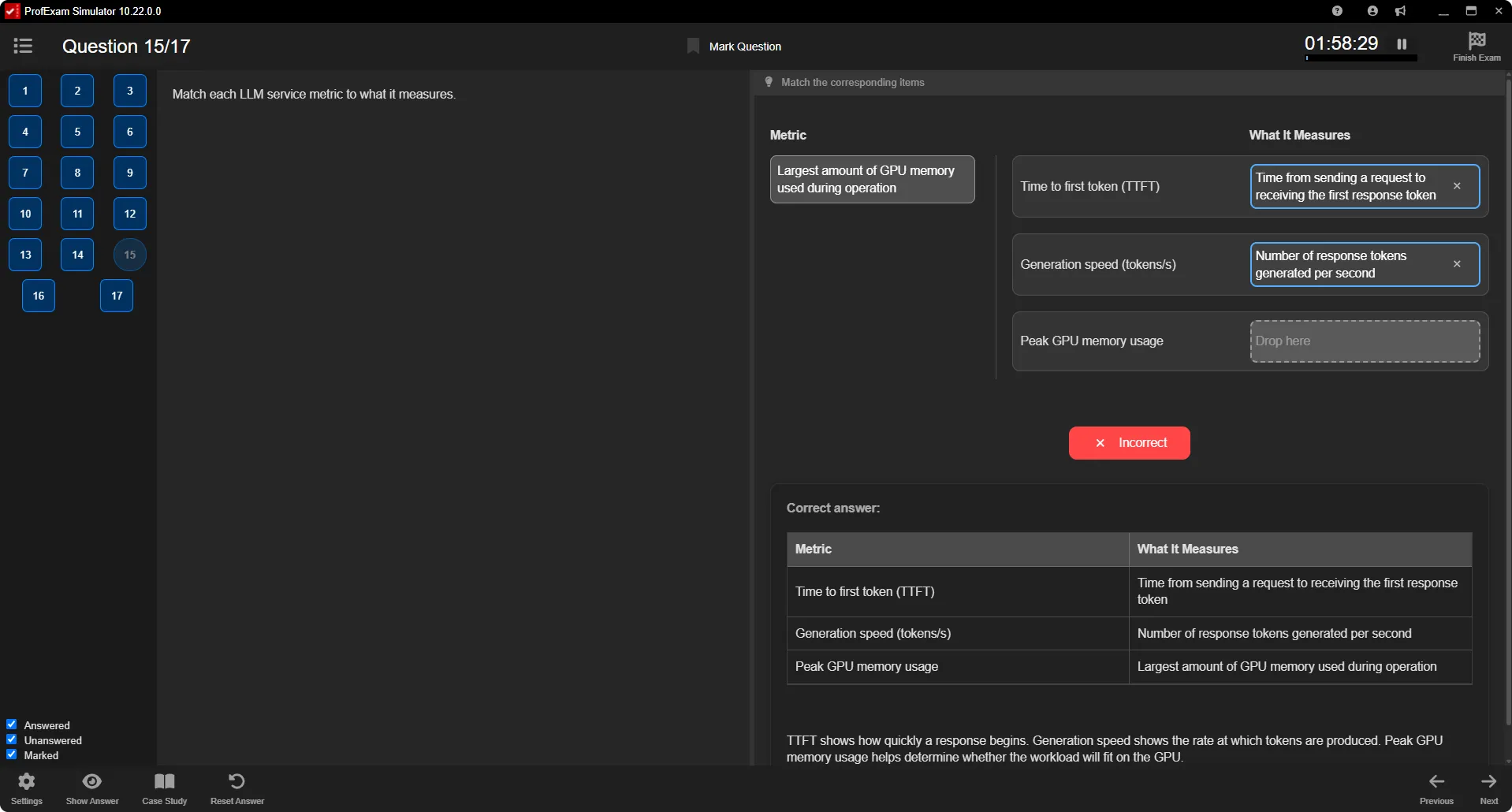
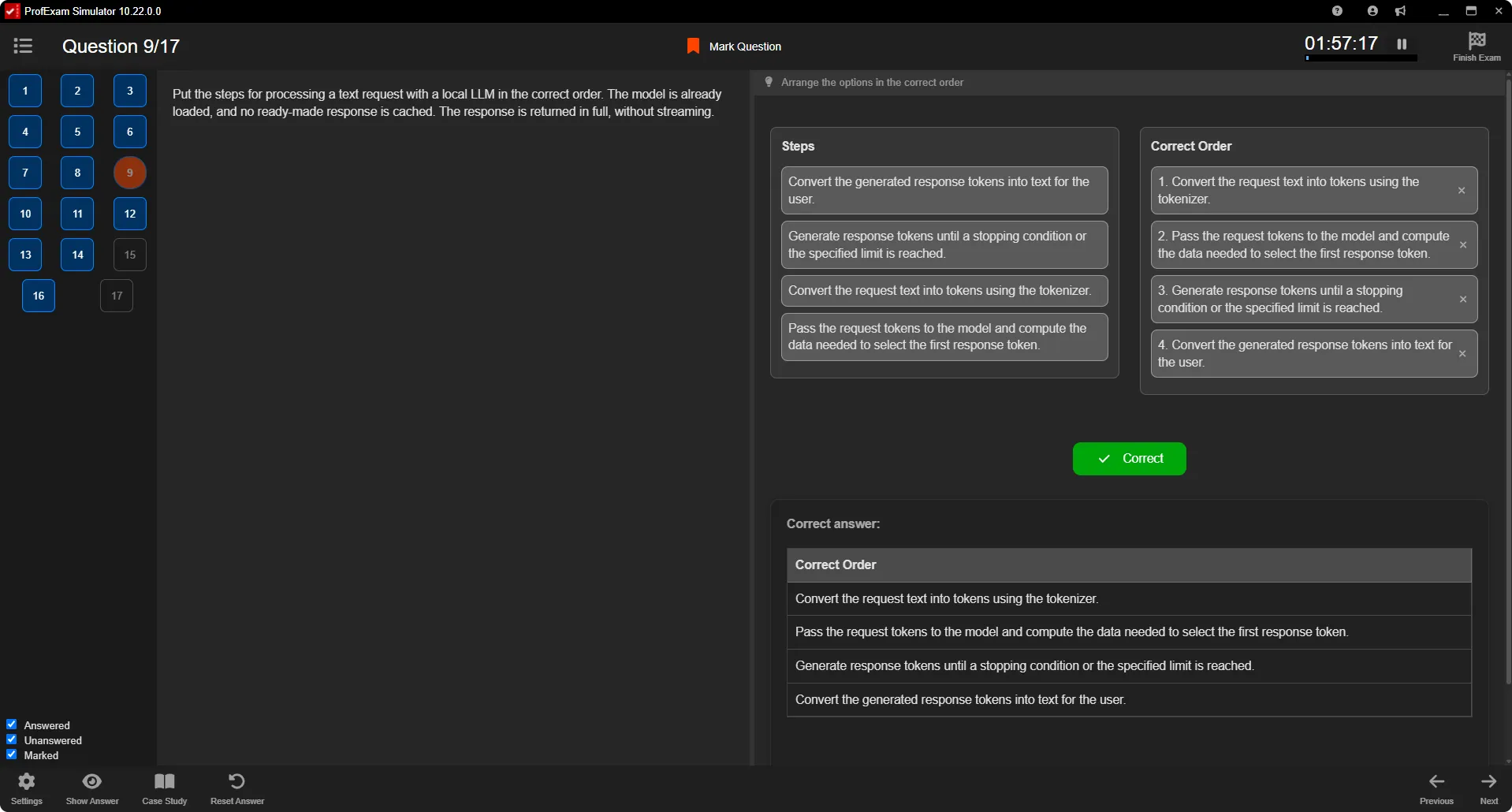
ProfExam Simulator question types: single and multiple answer, fill blank, hot area, drag and drop, matching and ordering questions
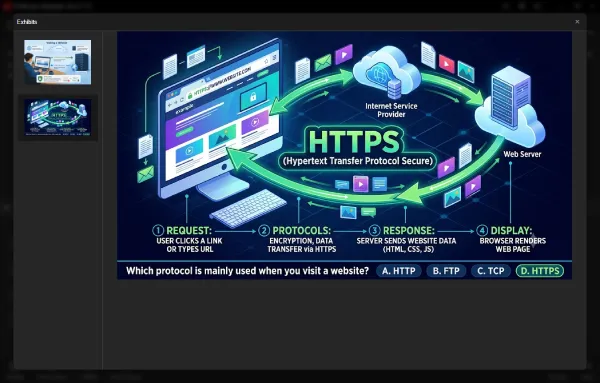
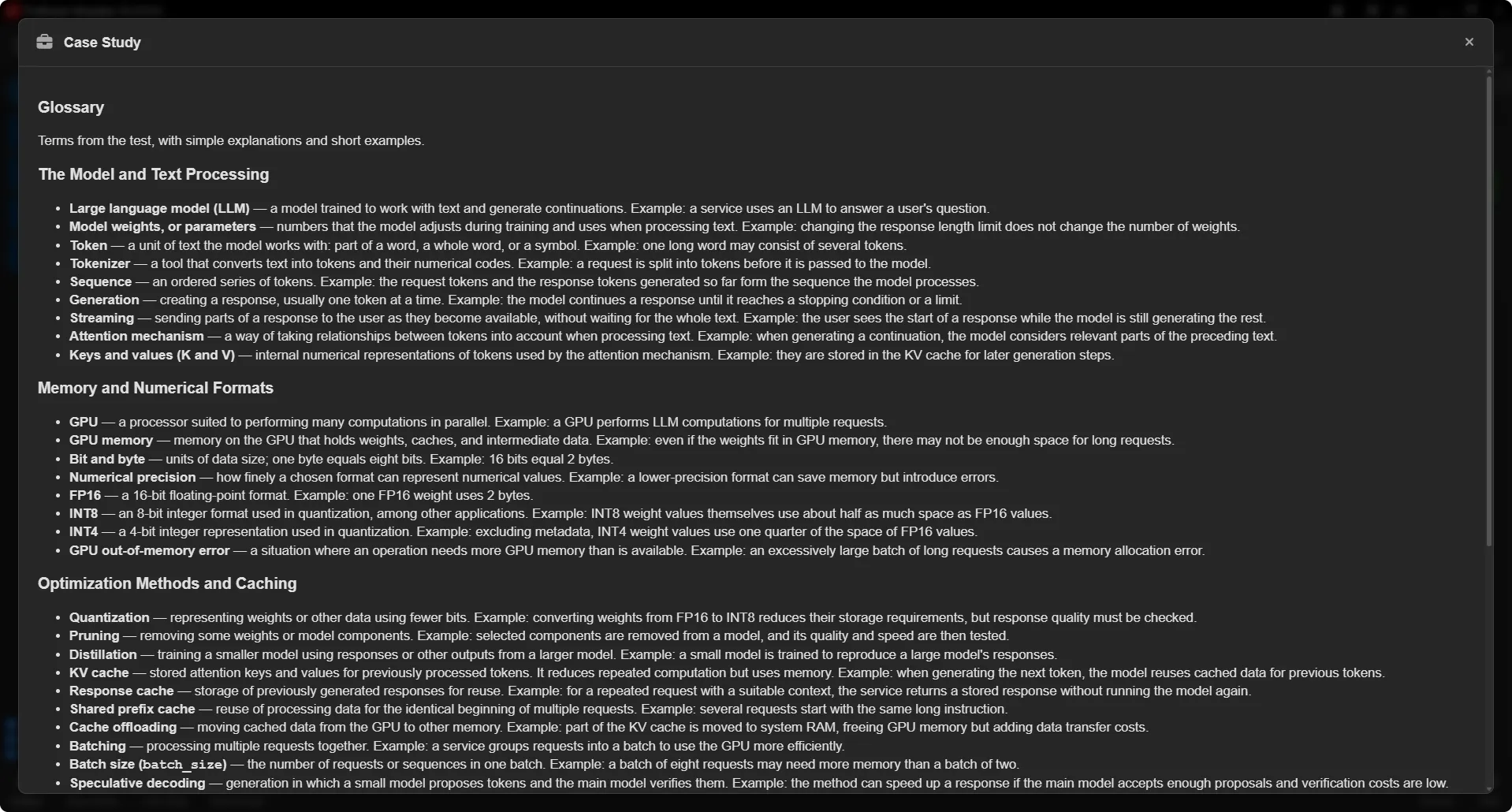
ProfExam Simulator Exhibits window showing a diagram attached to an exam question
Realistic Exam Content

Work with Exhibits and Case Studies

Some questions require more than choosing an answer. ProfExam Simulator can present supporting exhibits and case-study material alongside questions, helping practice exams better reflect complex real-world testing scenarios.

  • View supporting information without leaving the question
  • Work through grouped case-study questions
  • Keep reference material available while answering
Stay in Control

Navigate Questions Without Losing Your Place

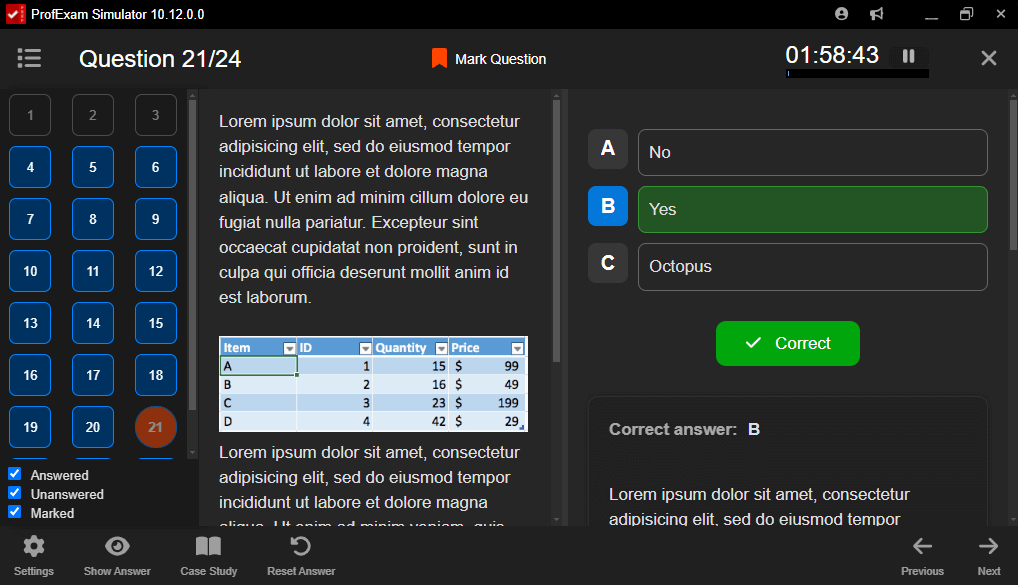
Move through your exam efficiently, mark questions for review, and see your progress throughout the session. The interface keeps important exam information accessible without distracting you from the questions.

  • Move between questions quickly
  • Mark questions for later review
  • Track answered and unanswered questions
  • See session progress at a glance
  • Use keyboard navigation for faster control
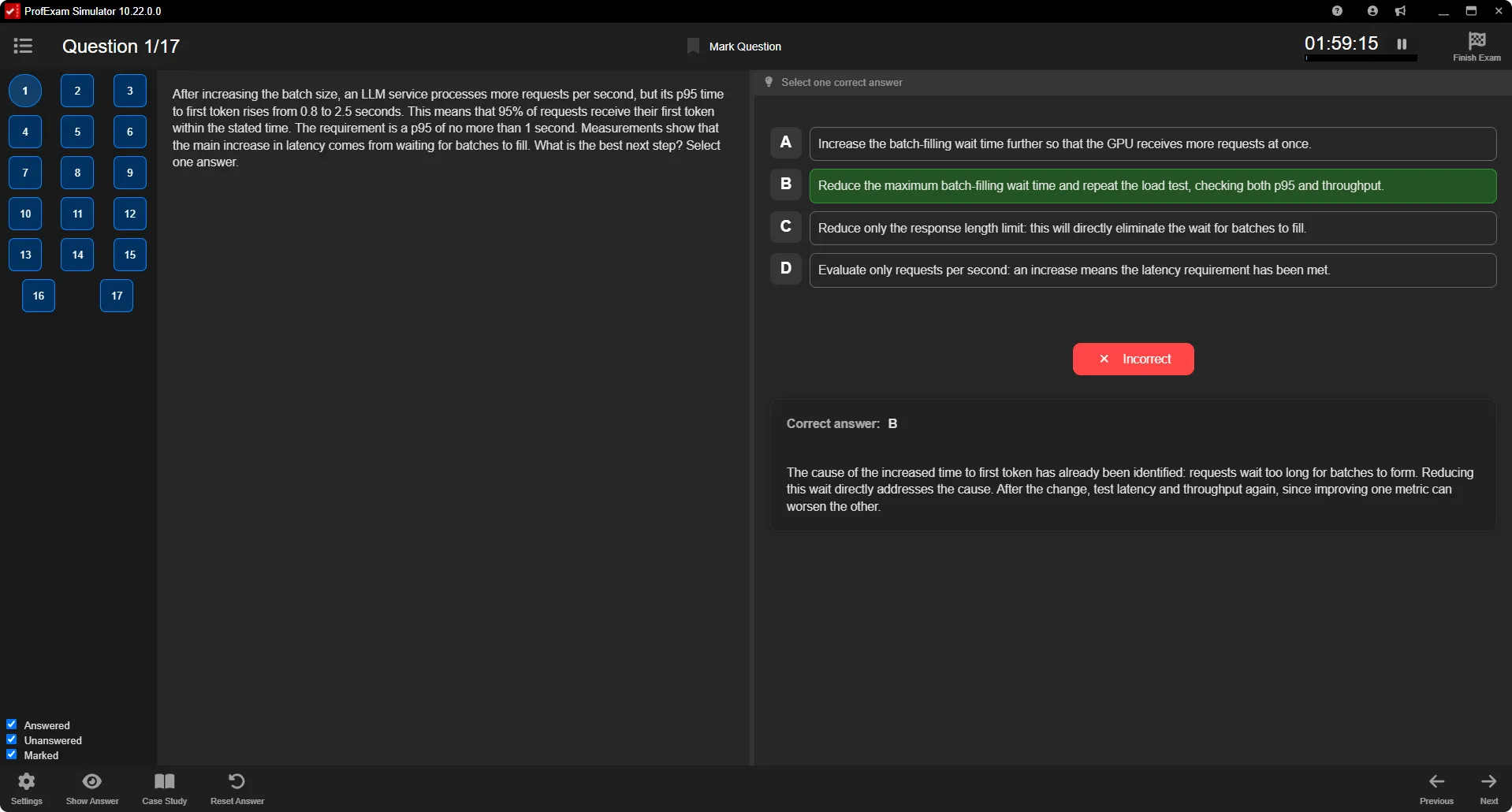
ProfExam Simulator exam session with question navigation panel, Mark Question button, timer and answer explanation
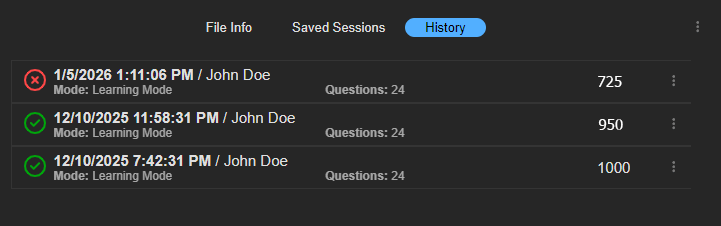
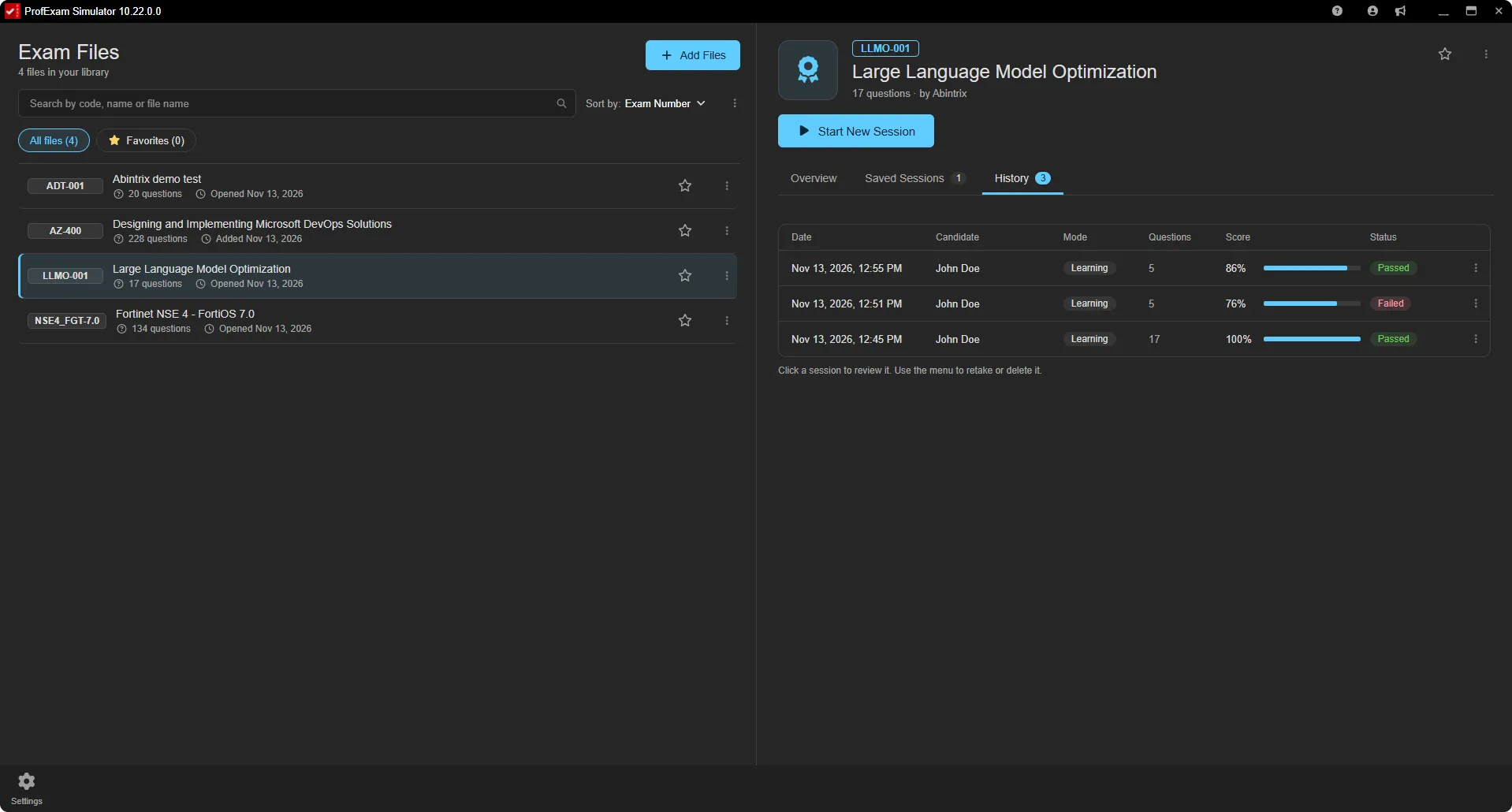
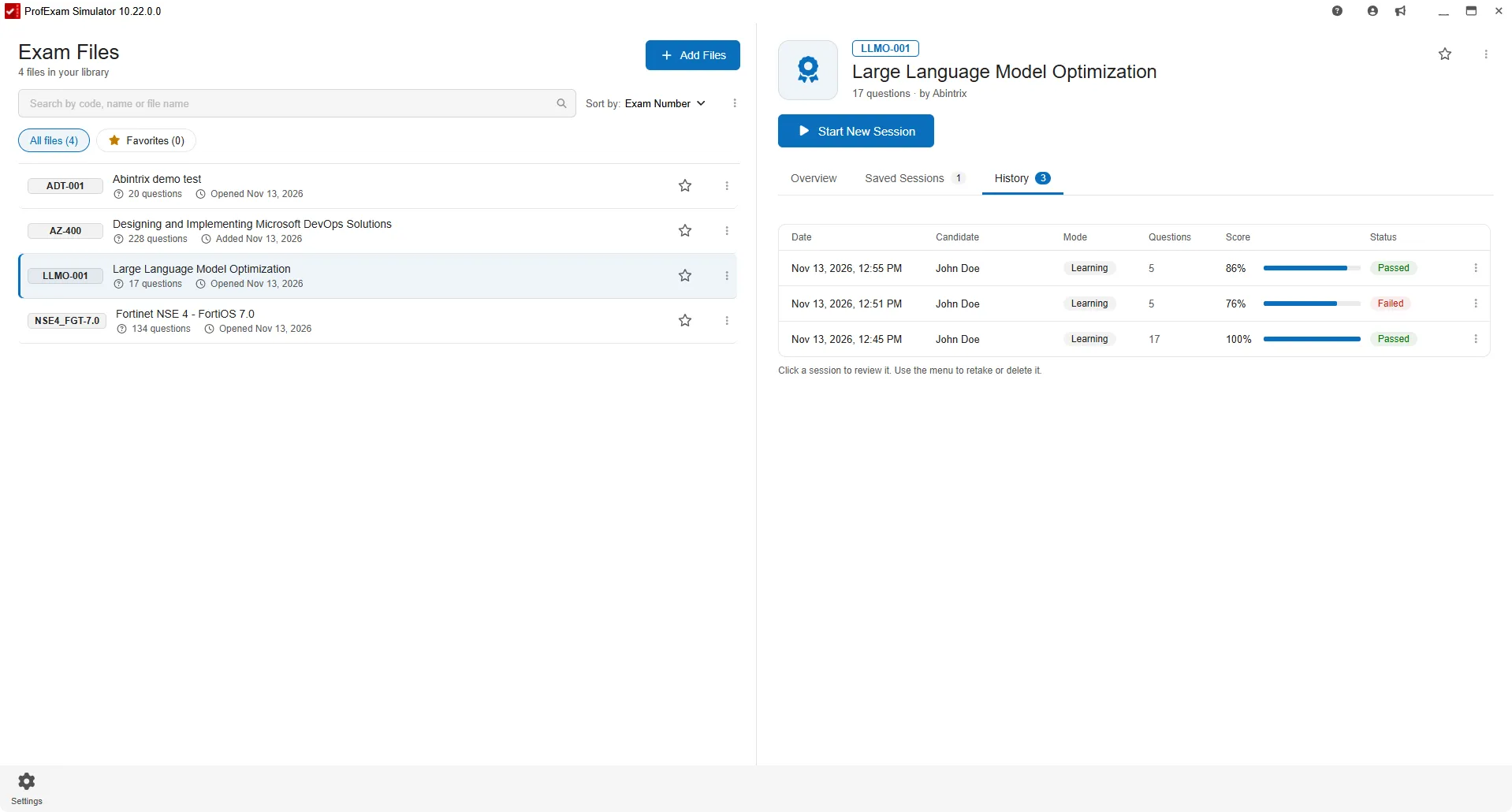
ProfExam Simulator exam history with date, candidate, mode and score of each attempt
Continue When You're Ready

Save Your Progress and Resume Later

Not every practice session needs to be completed at once. Save an unfinished exam and continue later without losing your answers or session progress.

Learn from Every Attempt

Detailed Results That Show What to Practice Next

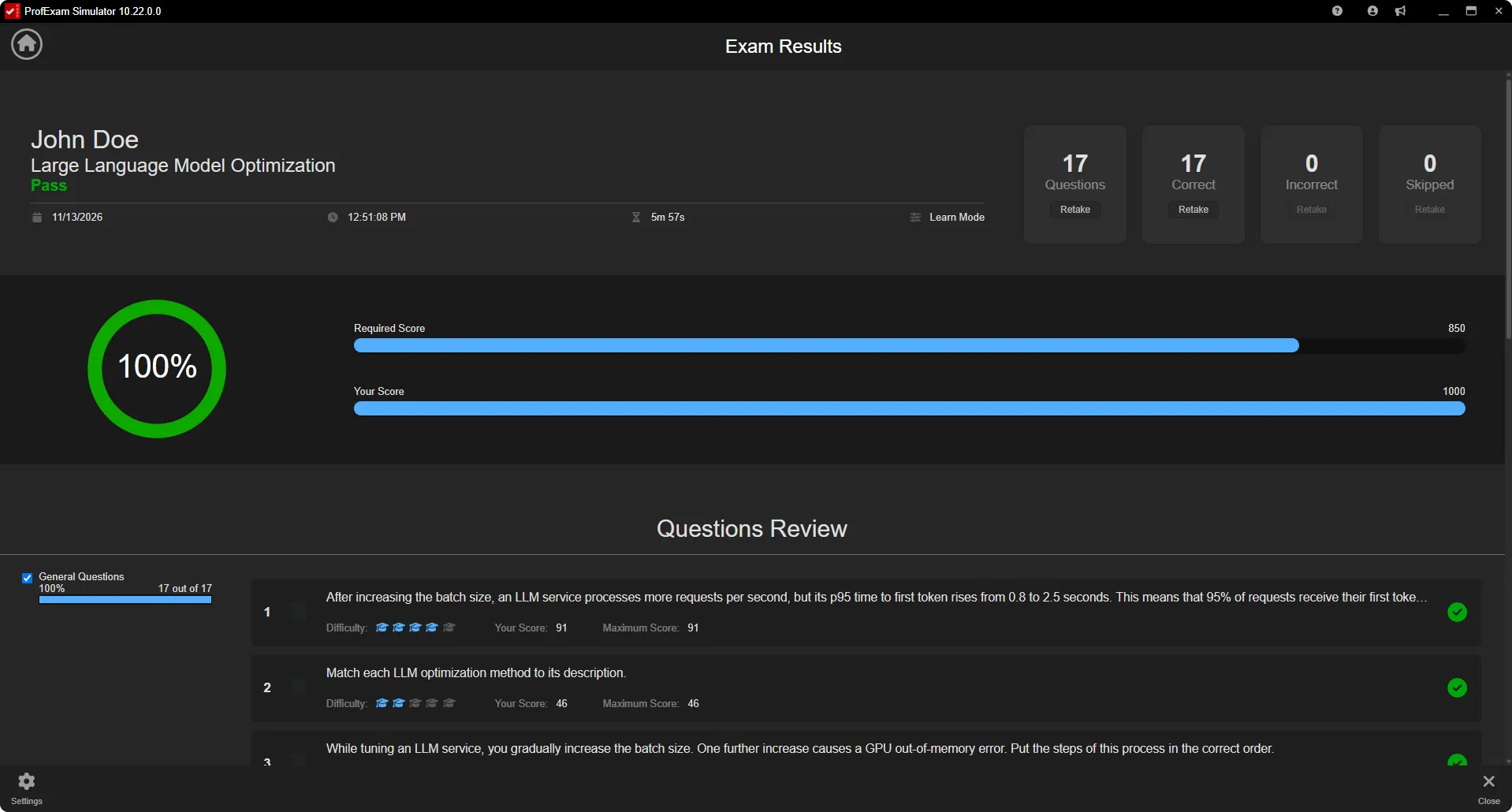
Finishing an exam is only part of the learning process. ProfExam Simulator gives you a clear overview of your performance so you can identify mistakes, review difficult questions, and decide what to practice next.

  • Review correct and incorrect answers
  • Find skipped questions
  • See your overall exam result
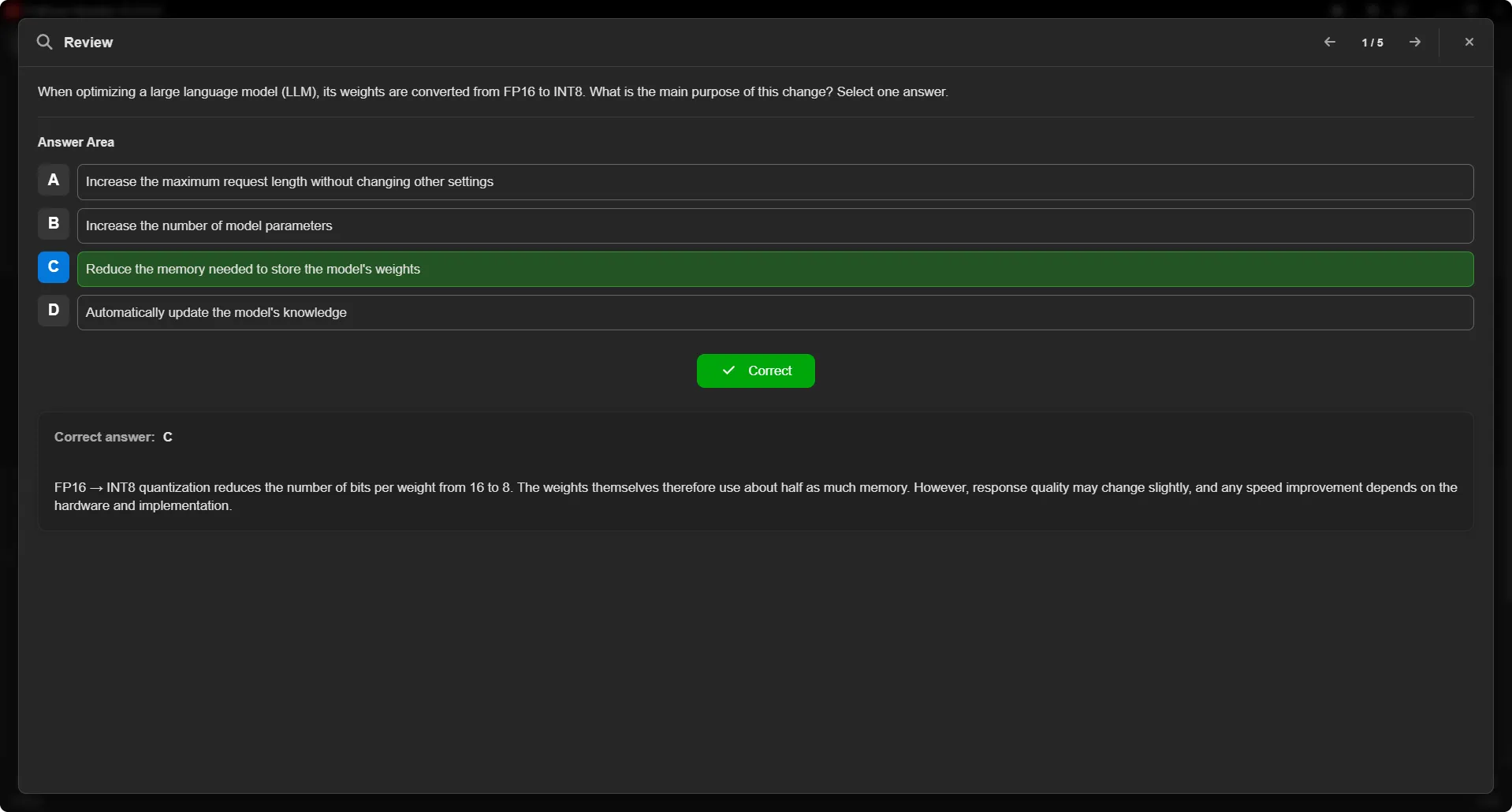
  • Review individual questions
  • Return to explanations and answer details
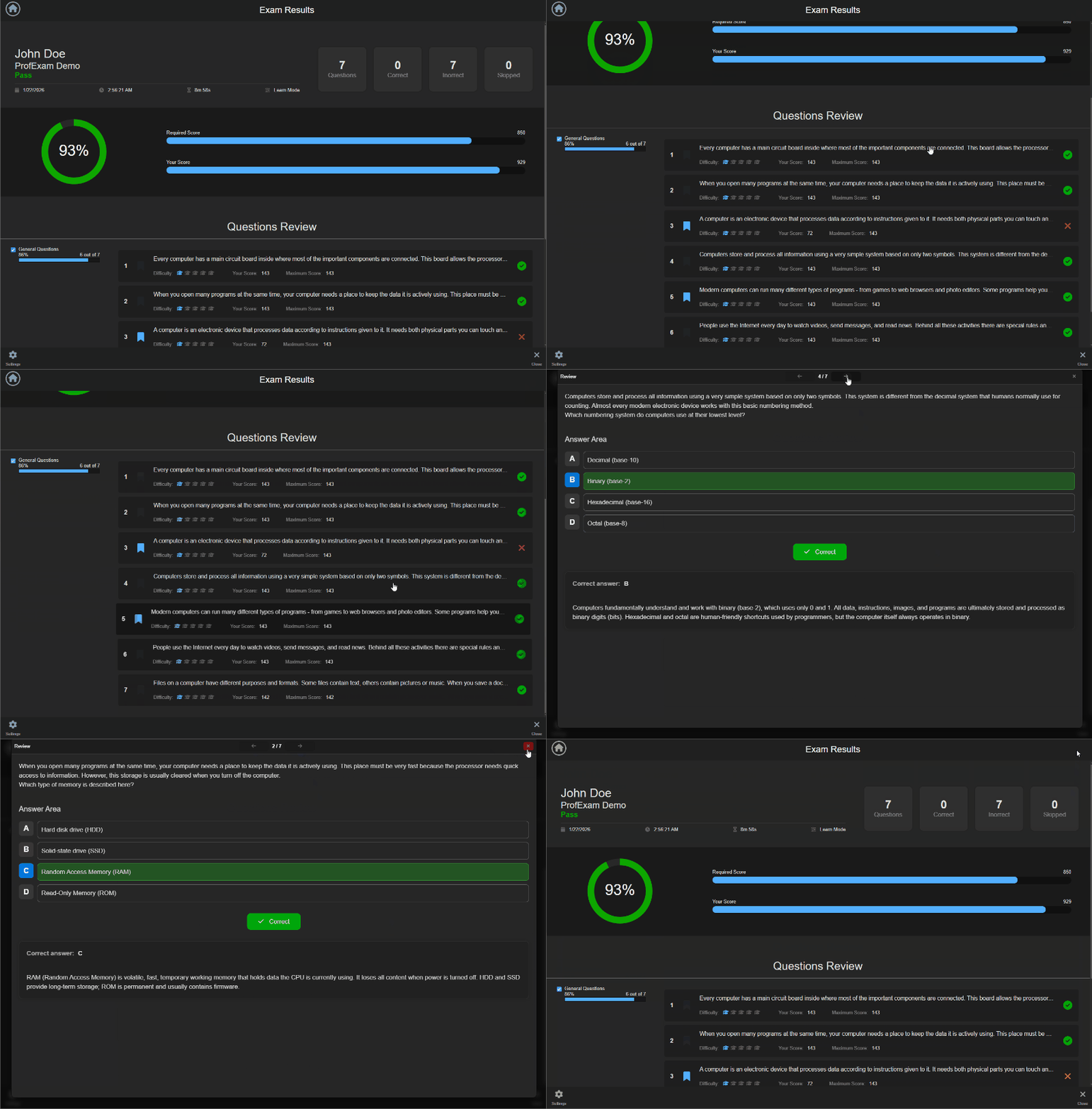
ProfExam Simulator Exam Results screen: pass status, overall score, required vs. your score, counts of correct, incorrect and skipped questions, and question review
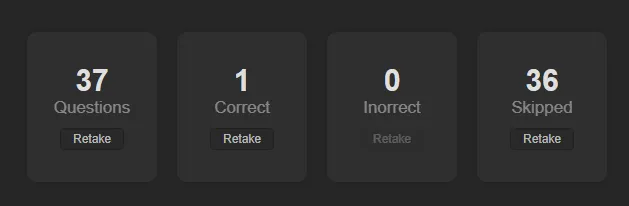
ProfExam Simulator results summary with Retake buttons for all, correct, incorrect and skipped questions
Focused Review

Retake the Questions That Matter Most

Instead of repeating the entire exam, create a new session from selected results. Practice only the questions that need attention or repeat a specific group to reinforce what you have learned.

  • Retake incorrect questions
  • Retake skipped questions
  • Retake correct questions
  • Retake all questions
  • Preserve the original session settings
Track Your Practice

Keep Previous Exam Sessions Organized

Return to completed and saved sessions to review earlier attempts, compare results, or continue unfinished practice. Your session history makes it easier to keep exam preparation organized over time.

ProfExam Simulator completed and saved exam sessions organized by exam file
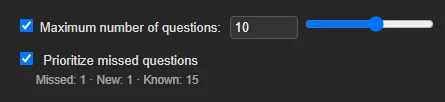
ProfExam Simulator New Session option Prioritize missed questions with counts of missed, new and known questions
Focus on Weak Spots

Prioritize the Questions You Miss

Turn on Prioritize missed questions when you start a new session, and ProfExam Simulator fills it with more of the questions you answered incorrectly and fewer of the ones you already know. The session window shows how many questions are missed, new and known.

  • More practice on missed questions
  • New questions still included
  • Less time on questions you already know
Five Interface Languages

Use the App in Your Language

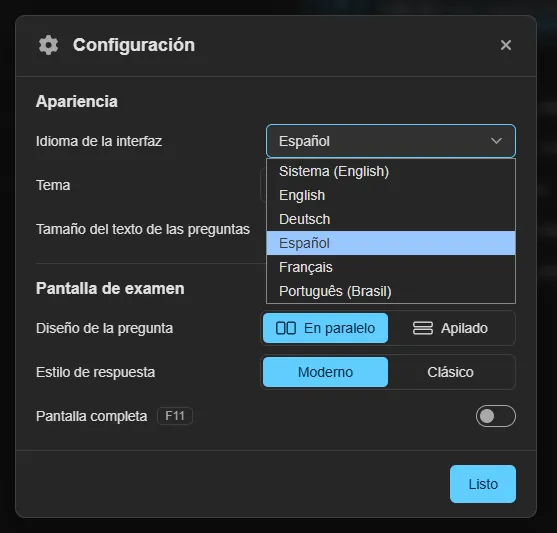
Choose the interface language in Settings, or let ProfExam Simulator follow your system language. Light and dark themes are available in every language.

  • English
  • Deutsch
  • Español
  • Français
  • Português (Brasil)
ProfExam Simulator Settings window with the interface language list: English, Deutsch, Español, Français, Português (Brasil)
Gallery

Interface Screenshots

Take a visual tour through the different panels and dashboards of ProfExam Simulator.

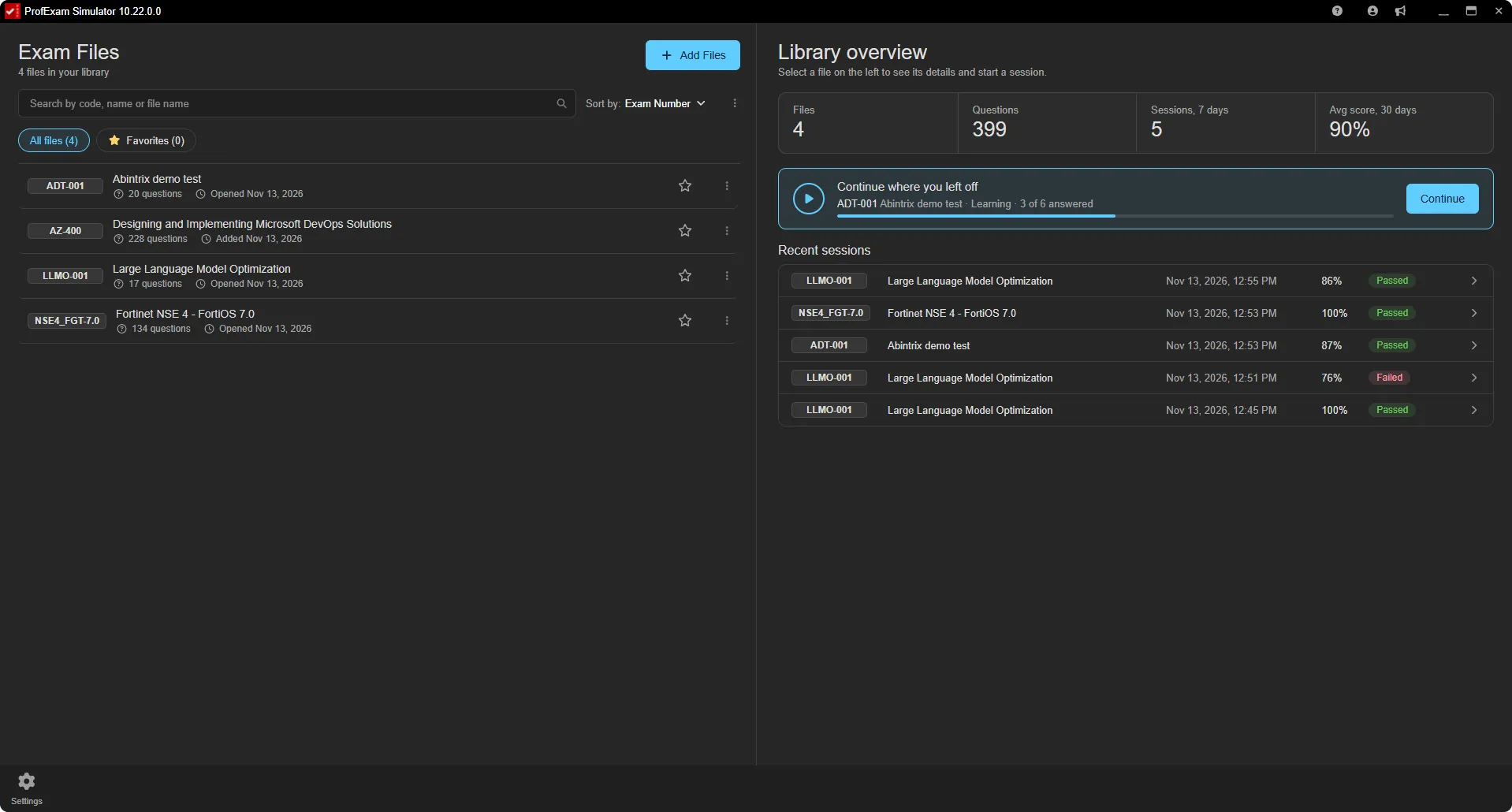
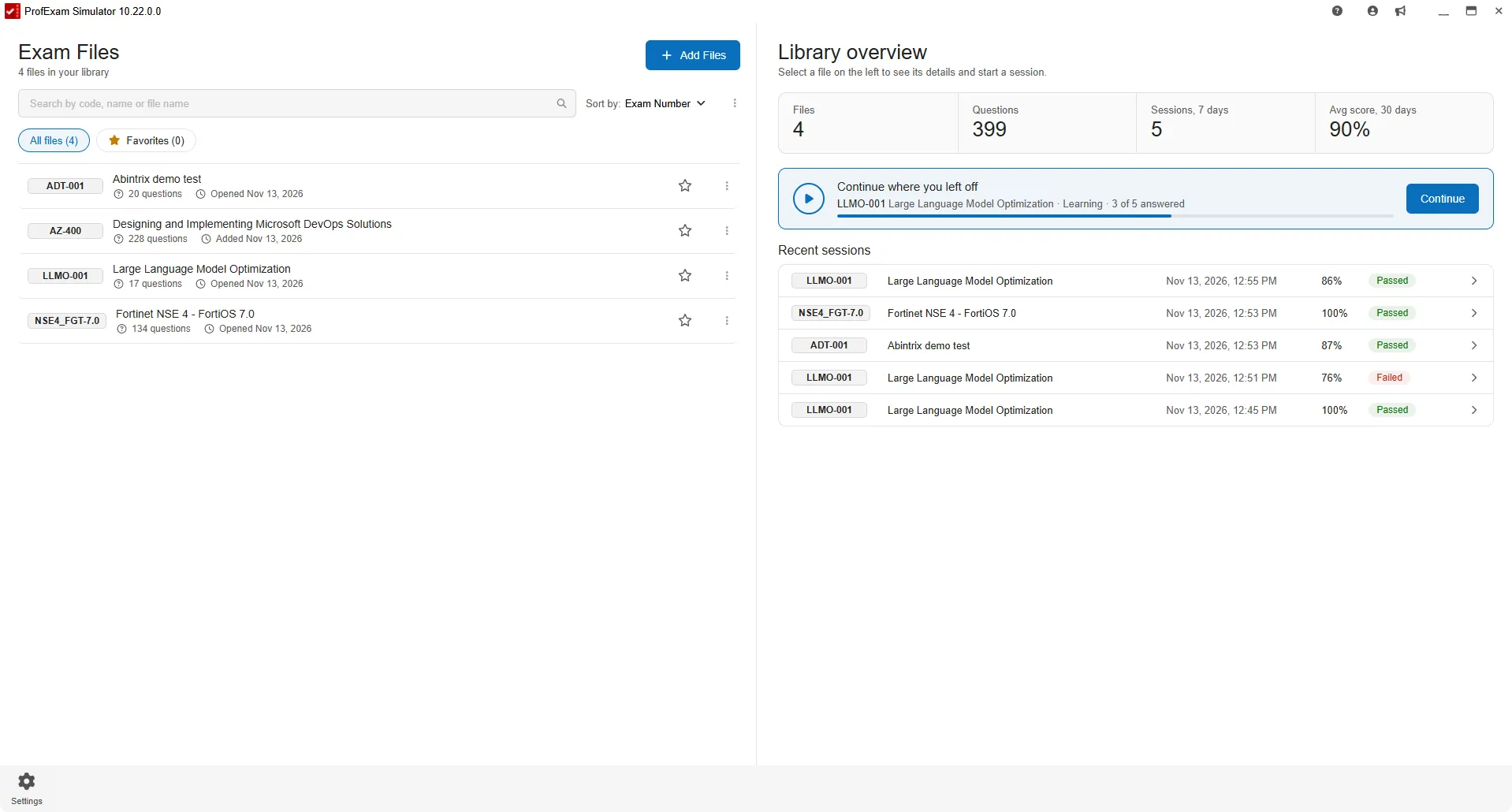
ProfExam Simulator exam files library with overview stats and recent practice sessions, dark theme
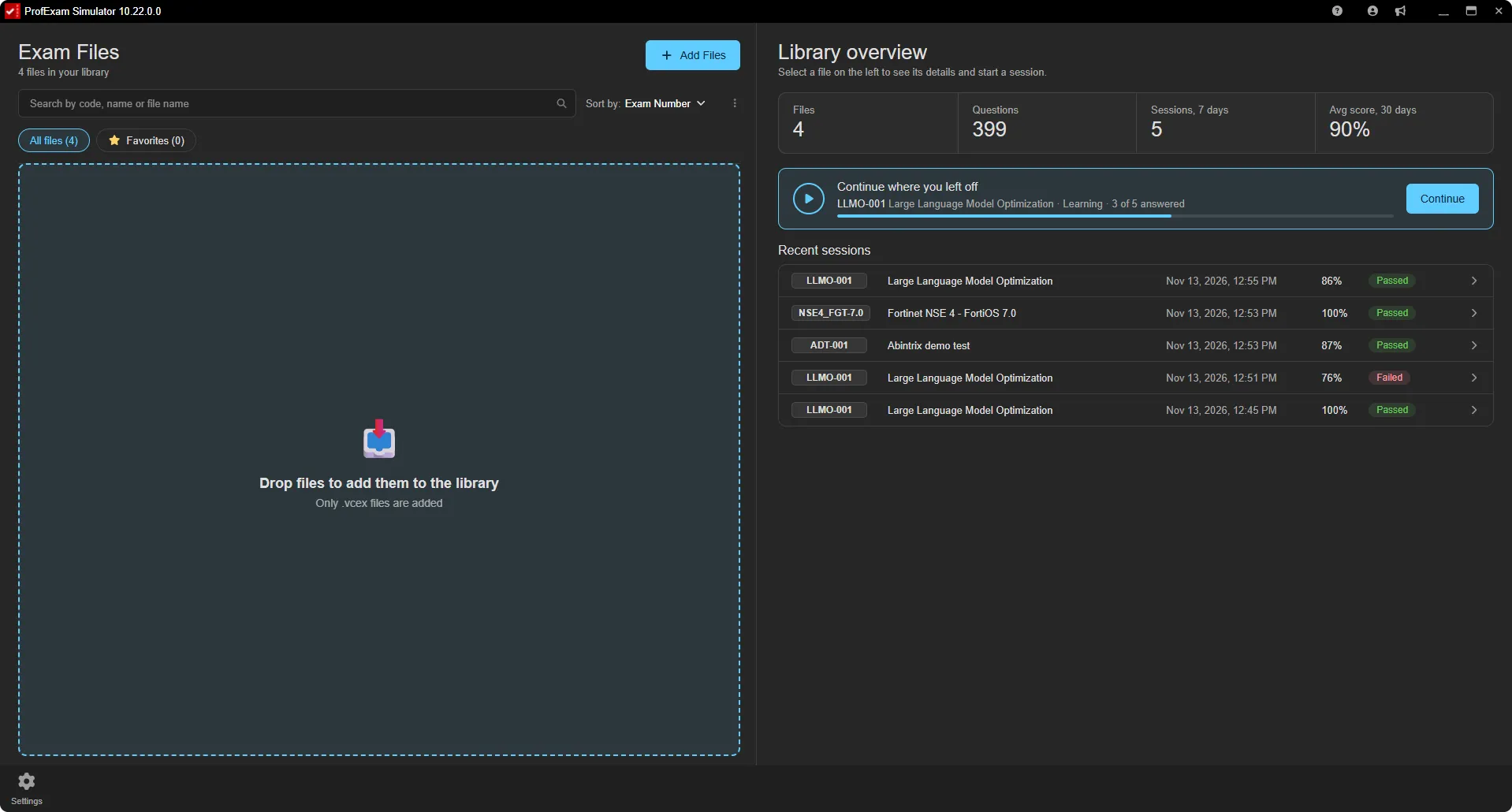
ProfExam Simulator importing VCEX exam files into the library by drag and drop, dark theme
ProfExam Simulator VCEX exam file details with best score, pass rate and score trend chart, dark theme
Licensing

Choose Your Edition

Download the free evaluation trial or purchase a lifetime commercial license.

Evaluation Trial

Perfect for testing compatibility and evaluating features on your system.

Free
  • Standard product features enabled
  • 14-day fully functional trial period
  • Local file creation and analysis
  • Custom exports disabled
Download for Windows

One-Time Purchase

Full commercial license. One-time purchase, yours forever with free updates.

$29.95
  • Unlimited commercial usage rights
  • Unlock all export capabilities
  • Free lifetime minor & major updates
  • Priority email engineering support
Buy for Windows
Today's Special Offer

Enhance Your Learning: 30% Off ProfExam Simulator!

Limited Time Offer
ProfExam Simulator

ProfExam Simulator

Experience realistic exam simulation with ProfExam Simulator - Now Only $19.95!

Click code to copy coupon
PROFSIM30 Copy Code
02
Days
18
Hours
45
Mins
00
Secs
Original Price: $29.95
Discount: -30%
New Price: $19.95
Buy Now

Latest Product Updates

Discover new releases, features, improvements, and development updates from Abintrix.

ProfExam Simulator 10.22: New Interface, Five Languages and Practice on Missed Questions
November 13, 2026 ProfExam

ProfExam Simulator 10.22: New Interface, Five Languages and Practice on Missed Questions

ProfExam Simulator 10.22 is out: a redesigned home screen and windows, the interface in five languages, a mode that prioritizes missed questions, easier exam import and in-app updates.

Read Article
ProfExam Creator 10.5.0.614: AI Chat for Your Exams, Undo and Redo, and More Reliable Saving
November 4, 2026 ProfExam

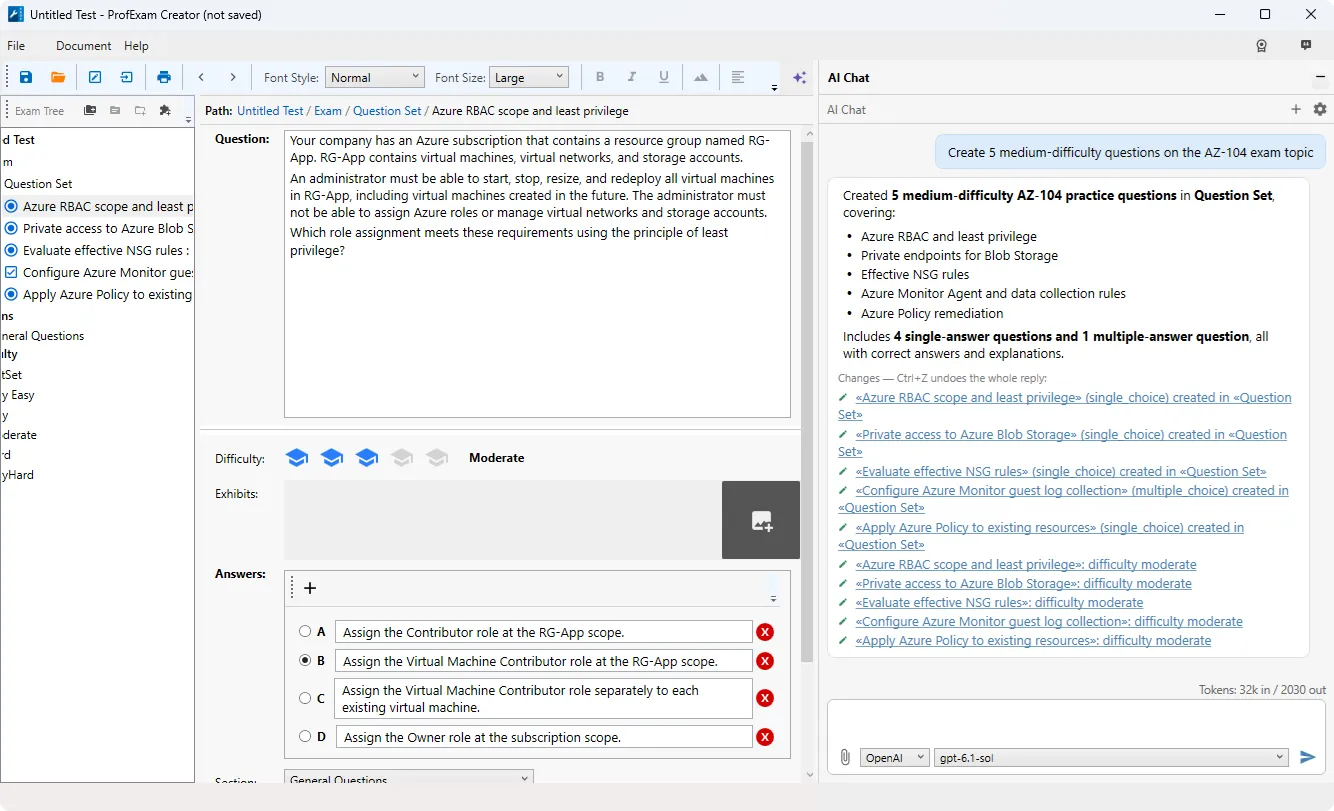
ProfExam Creator 10.5.0.614: AI Chat for Your Exams, Undo and Redo, and More Reliable Saving

ProfExam Creator 10.5.0.614 brings an AI chat that reads and edits your open exam - with Claude, OpenAI or local Ollama models - plus document-wide undo and redo, safer saving and opening, and a long list of fixes.

Read Article
Introducing Muxvero for Windows: Batch Video and Audio Conversion With a Queue You Control
October 6, 2026 Muxvero

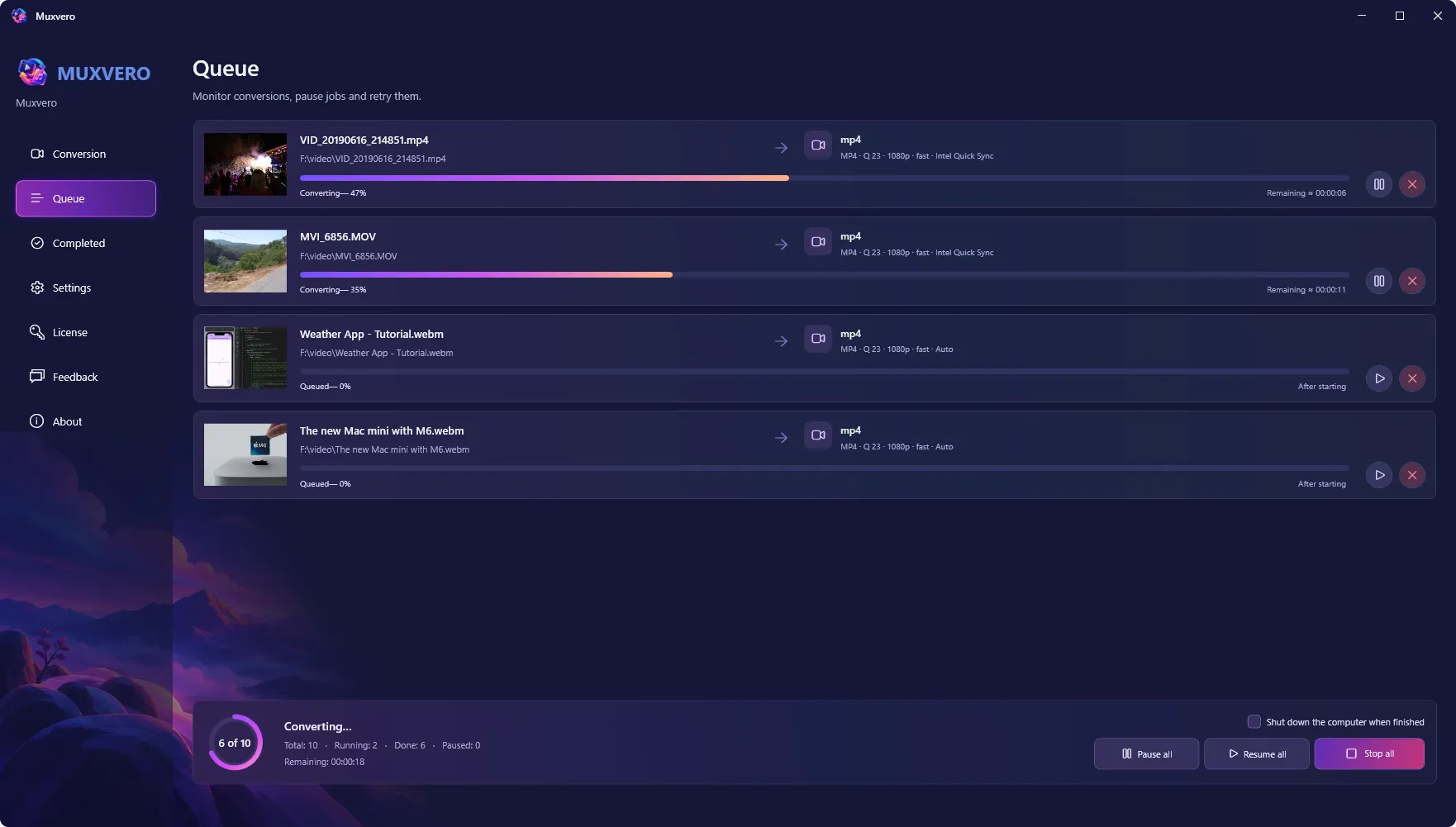
Introducing Muxvero for Windows: Batch Video and Audio Conversion With a Queue You Control

Muxvero converts video and audio in batches on Windows - popular output formats, audio extraction, Intel Quick Sync acceleration, stream copy without re-encoding, and a queue that survives closing the app. Out now, $24.95 one-time.

Read Article